 Shipped
Manage your app
Test changes in staging
Run a separate copy of your app and promote a tested release to production.
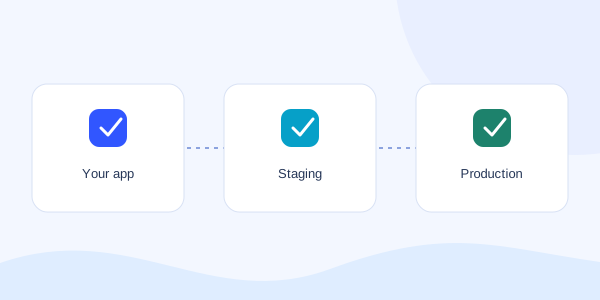
Give testing its own environment
A staging environment has its own project ID, URL, release history, runtime, and resource bindings. Your existing app remains production. Creating the empty staging project does not copy customer data or start compute.
A staging URL is public when you publish it. Protect private test data with your application’s authentication. Unpublishing removes public access; it is not a private preview login system.
Create staging
- Open your production project and choose Environments.
- Create staging and open its project.
- Ask your agent to deploy to staging explicitly. Configure its database and required secrets separately.
- Test the staging URL, including login, database writes, and the flows your customers use.
Promote the tested release
In Environments, choose Promote to production, or ask your agent to prepare a promotion from the healthy staging release. Shipped binds the plan to that exact image and the current production revision.
Review production resources and the quote, approve the credits, then deploy the plan. Production keeps its own resource bindings. If either release changes before approval is used, prepare a fresh plan.
An immutable image keeps any settings baked into its build. Use runtime configuration for environment-specific API addresses and analytics keys. Remove publicUrl from the source manifest so Shipped can assign each environment its own address. Promotion changes application code. It does not copy the staging database or roll back production data. Review migrations for the production schema before confirming.
Manage staging costs
Staging is a separate running app with its own usage. Shut it down when testing is finished if you do not need it running. Retained databases and storage may still incur charges.
Protected Shipped control services cannot create staging through these customer controls. Their recovery path is managed separately.