 Shipped
Shipped help
Build it.
Learn how to ship it.
From your first deployment to your next release. Find the steps you need.
18 guides to help you ship
Start here
Connect your agent
Connect Codex
Configure Codex to ship an app from your local workspace.
Read guideConnect Claude Code
Configure Claude Code to ship an app from your local workspace.
Read guideConnect Cursor
Configure Cursor to ship an app from your local workspace.
Read guideConnect Grok CLI
Configure Grok CLI to ship an app from your local workspace.
Read guideManage your app
Create and manage projects
Keep each app’s releases, addresses, resources, and usage together.
Read guideUpdate and restore releases
Ship changes, follow their progress, and restore a compatible release.
Read guideTest changes in staging
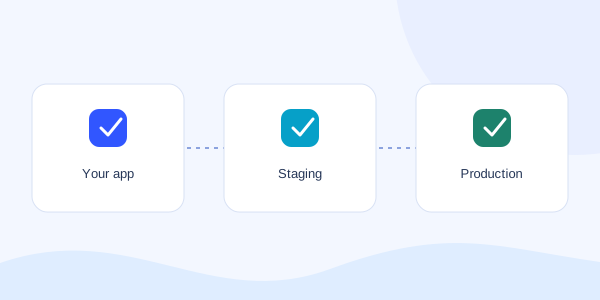
Run a separate copy of your app and promote a tested release to production.
Read guideUnderstand visitor analytics
Measure page views and estimated daily visitors for each environment.
Read guideChoose your app’s address
Use a generated URL or choose a friendly Shipped subdomain.
Read guideUnderstand credits and payments
Read your balance, approve spending, and keep usage within your limits.
Read guideConnect databases and app settings
Give your app persistent data without tying it to one release.
Read guideUnpublish, shut down, or delete an app
Choose the action that matches what you want to stop, and know what is retained.
Read guideReference
Configure how your app runs
Choose a Dockerfile or static build and tell Shipped how to check your app.
Read guideManage account access
Understand workspace ownership, agent permissions, and platform admin controls.
Read guideMCP tool reference
Find the tools your agent uses to plan, deploy, inspect, and manage an app.
Read guideFix a connection or deployment problem
Find the next useful check when your agent or app cannot connect.
Read guide