 Shipped
Connect your agent
Connect Cursor
Configure Cursor to ship an app from your local workspace.
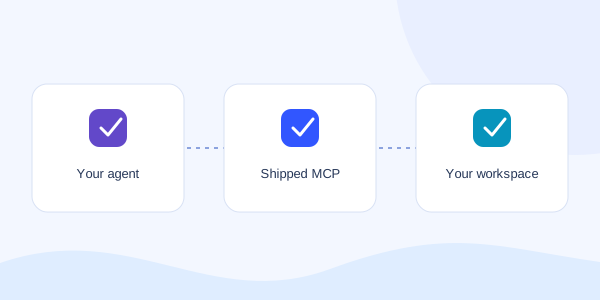
Prepare your connection
Complete “Set up the Shipped connector” first. You need the local connector, absolute paths, and a private SHIPPED_API_TOKEN environment variable.
Use a local session that can access your app folder and start Node.js.
Add Shipped
Add this server entry to ~/.cursor/mcp.json. Merge it with your existing configuration so other servers stay available. Replace the sample paths with your own.
The example references your token’s environment variable. It contains no token value.
{
  "mcpServers": {
    "shipped": {
      "type": "stdio",
      "command": "/absolute/path/to/node",
      "args": [
        "--import",
        "/absolute/path/to/Shipped Platform/node_modules/tsx/dist/loader.mjs",
        "/absolute/path/to/Shipped Platform/apps/mcp/src/index.ts"
      ],
      "env": {
        "SHIPPED_API_URL": "https://app.shippedit.io",
        "SHIPPED_WORKSPACE_ROOT": "/absolute/path/to/your/app",
        "SHIPPED_API_TOKEN": "${env:SHIPPED_API_TOKEN}"
      }
    }
  }
}
Check the tools
Reload Cursor and check its MCP server settings. Confirm shipped is enabled and its tools are listed.
Ask the agent to list your Shipped projects. Confirm the workspace before giving it a deployment instruction.
List my Shipped projects, then help me plan this app’s deployment.Client configuration checked October 15, 2026. Official Cursor MCP documentation.