 Shipped
Reference
Manage account access
Understand workspace ownership, agent permissions, and platform admin controls.
Your account and workspace
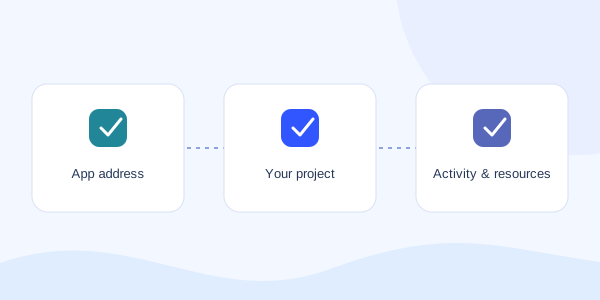
Your account signs you in. Your workspace holds projects, credit balances, and agent access. A workspace owner manages their workspace; that role does not grant authority over other customers.
Verify your email after signup. An account can sign in before its workspace is approved to deploy during testing.
Control agent access
Create a separate named token for each agent or temporary task in Connect agent. Grant billing permission only when the task needs it. Revoke a token when it is no longer needed.
A browser login and an agent token have separate lifetimes. Logging out of the portal does not replace token management.
Use platform admin controls
Authorized platform admins can open Platform operations. They can approve workspace deployment access, manage platform pricing, and find users by email or user ID.
In Users, choose Manage to grant or revoke platform admin access, suspend access, request password recovery, or review deletion. Each change requires a reason recorded in the audit log.
A password recovery action requests an email. The customer completes the reset; the admin does not see or choose their password. Account deletion has a seven-day recovery window. Restoring a deleted account does not restore old tokens, admin grants, or workspace access.