 Shipped
Reference
Configure how your app runs
Choose a Dockerfile or static build and tell Shipped how to check your app.
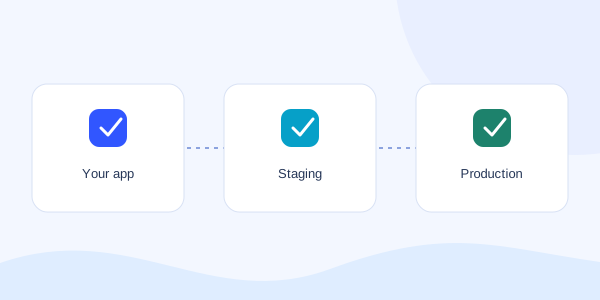
Add a deployment manifest
Place shipped.yaml inside a shipped folder at your app’s root. Your agent can create it after inspecting the app. The current runtime supports one web service per project, using a Dockerfile or prebuilt static output.
Run a server application
This example builds the Dockerfile at the app root, serves port 3000, and checks /health. Your app must listen on all interfaces, usually 0.0.0.0, at the configured port.
version: 1
services:
  web:
    build:
      recipe: dockerfile
      dockerfile: Dockerfile
    port: 3000
    health:
      path: /health
Serve static output
Build your frontend locally first, then include the output folder in the uploaded source. The static recipe serves those files; it does not run your framework’s build command. Use spa: true only when your app needs unknown routes to fall back to index.html.
version: 1
services:
  web:
    build:
      recipe: static-v1
      output: dist
      spa: false
Declare a database binding
For a server app, add the database resource and binding below to your manifest. The current test profile is postgres-test-v1. Review the resource plan and migrations before execution.
resources:
  database:
    type: postgres
    profile: postgres-test-v1
services:
  web:
    # Keep your build, port, and health settings here.
    bindings:
      DATABASE_URL:
        resource: database
        output: connection_url
Check the supported path
A stack that builds into a compatible container can use the Dockerfile path. The current deployment manifest does not yet expose general multi-service apps, customer workers, scheduled jobs, or arbitrary secret editing.
The agent returns validation errors for unsupported fields. Resolve those before approving a deployment; adding a field to the manifest does not enable an unimplemented service.